Payment Links
Accept payments without a website or code
Create a payment link in seconds from the dashboard or the API, then share it over chat, social media, or a manual invoice.
Key Features
Everything you need from payment links
A simple way to start accepting payments faster, with more flexibility and none of the integration hassle.
No code, works right away
Create a payment link from the dashboard without writing a line of code, or automate it through the API for high volume.
Fixed amounts or open amounts
Set a fixed price for a specific product, or let customers enter their own amount for donations or custom invoices.
Expires automatically
Set how long a link stays active, from a few hours for a flash promo to no expiry at all.
Share it anywhere
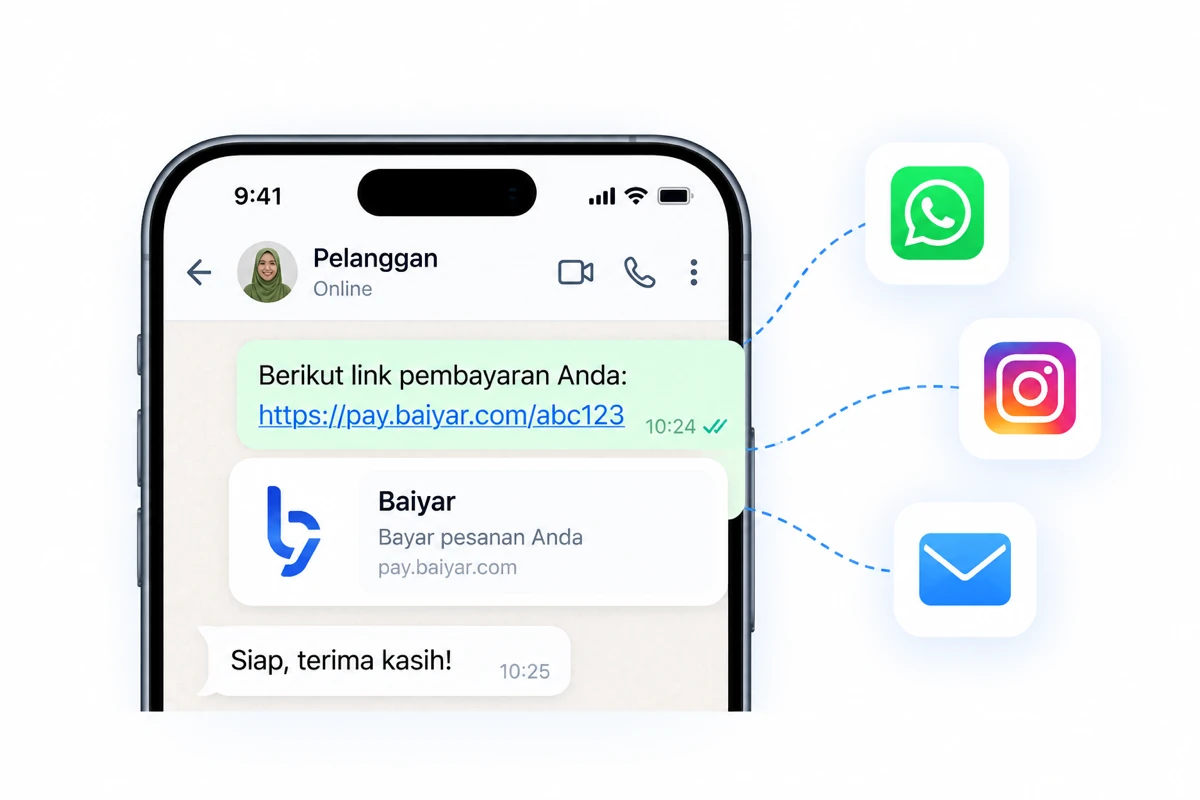
Send it over WhatsApp, Instagram, email, or drop it into an invoice. One link works across every channel.
Manage from the dashboard or API
Track each link's status, recreate it, or deactivate it anytime, from the dashboard or an API call.
Fast and Easy
How it works
From creating a link to getting paid, in just 3 simple steps.
Create a link
Set the amount and order details from the dashboard or the API.
Share it with your customer
Send the link through whichever channel you normally sell on.
Get paid
Get notified the moment your customer pays, recorded automatically in your dashboard.
Easier Payments
Your customer clicks, you get notified instantly
Every payment from your link is recorded in real time on your dashboard, with full transaction details.
See the dashboardPayment successful!
You received a payment of IDR 250,000
Recent Transactions
View allFrequently asked questions
Questions about Payment Links
See all FAQsCan a payment link be reused?
Yes. You can create a one-time link for a specific order, or a permanent link that can be reused for the same product.
Do I need the API to use payment links?
No. You can create and manage payment links entirely from the dashboard. The API is there if you want to automate link creation at scale.
Which payment methods can a payment link accept?
A payment link supports Baiyar's supported payment methods, including QRIS, virtual accounts, e-wallets, and retail outlets.
How do I track a payment's status?
You can monitor every payment link straight from the dashboard, including its latest status and exactly when it was paid, in real time.
Ready to start accepting payments with Baiyar?
Create your first payment link now, no code or website required.