One integration for every payment method
QRIS, virtual accounts, and e-wallets land in one dashboard, with real-time confirmation the moment each payment succeeds.
No setup fees. Integrate in an afternoon.

One connection for every way to pay






For your business
Payments shouldn't be this complicated.
Baiyar simplifies your entire payment process — from receiving, to reconciliation, to payouts. All in one place.
Accept payments
From every method, without stitching together integrations.
Manage transactions
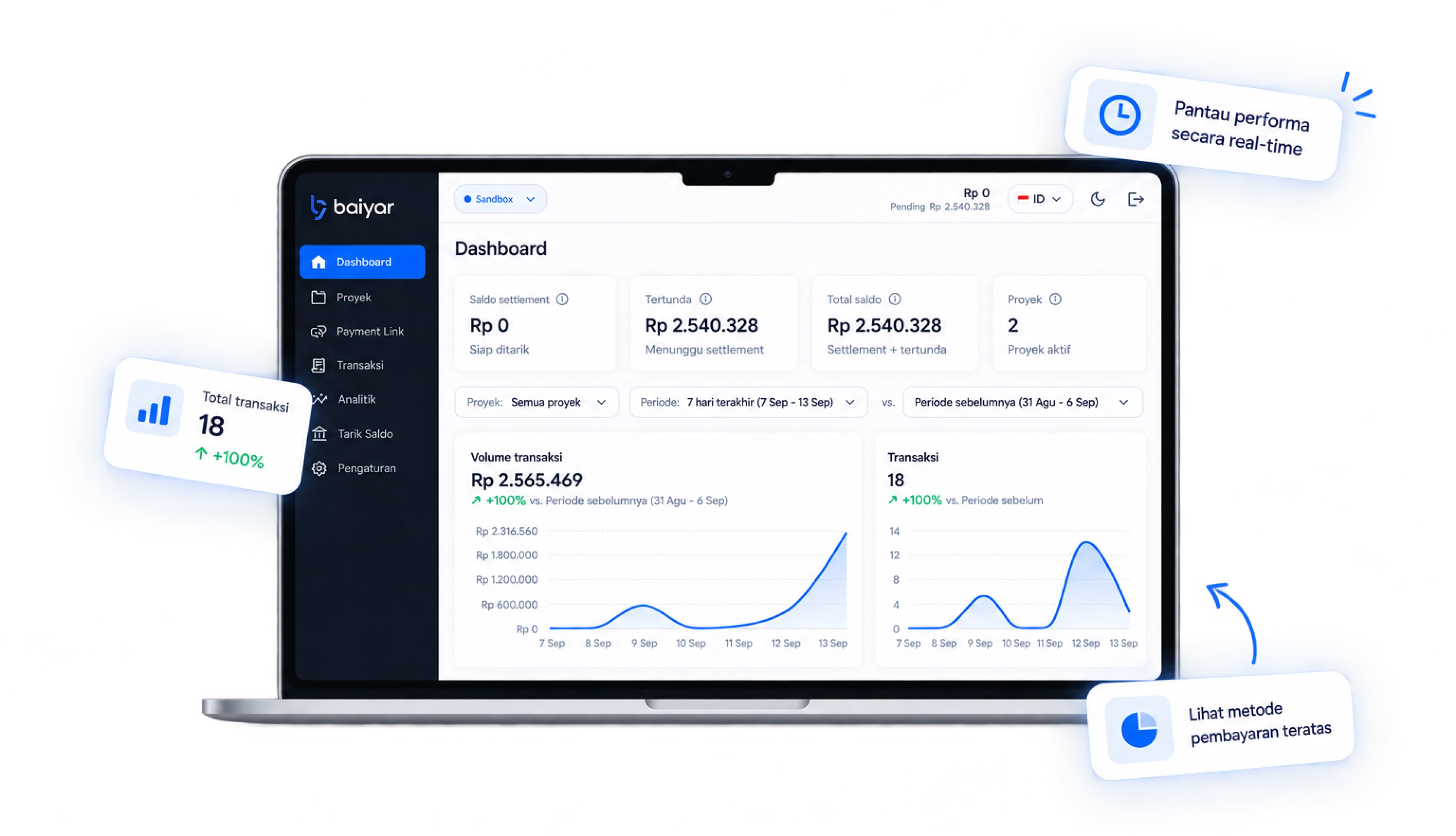
Track every payment in real time.
Grow your business
On payment infrastructure that's reliable and flexible.
Product
Four ways to accept payments
Pick whichever fits your business best.
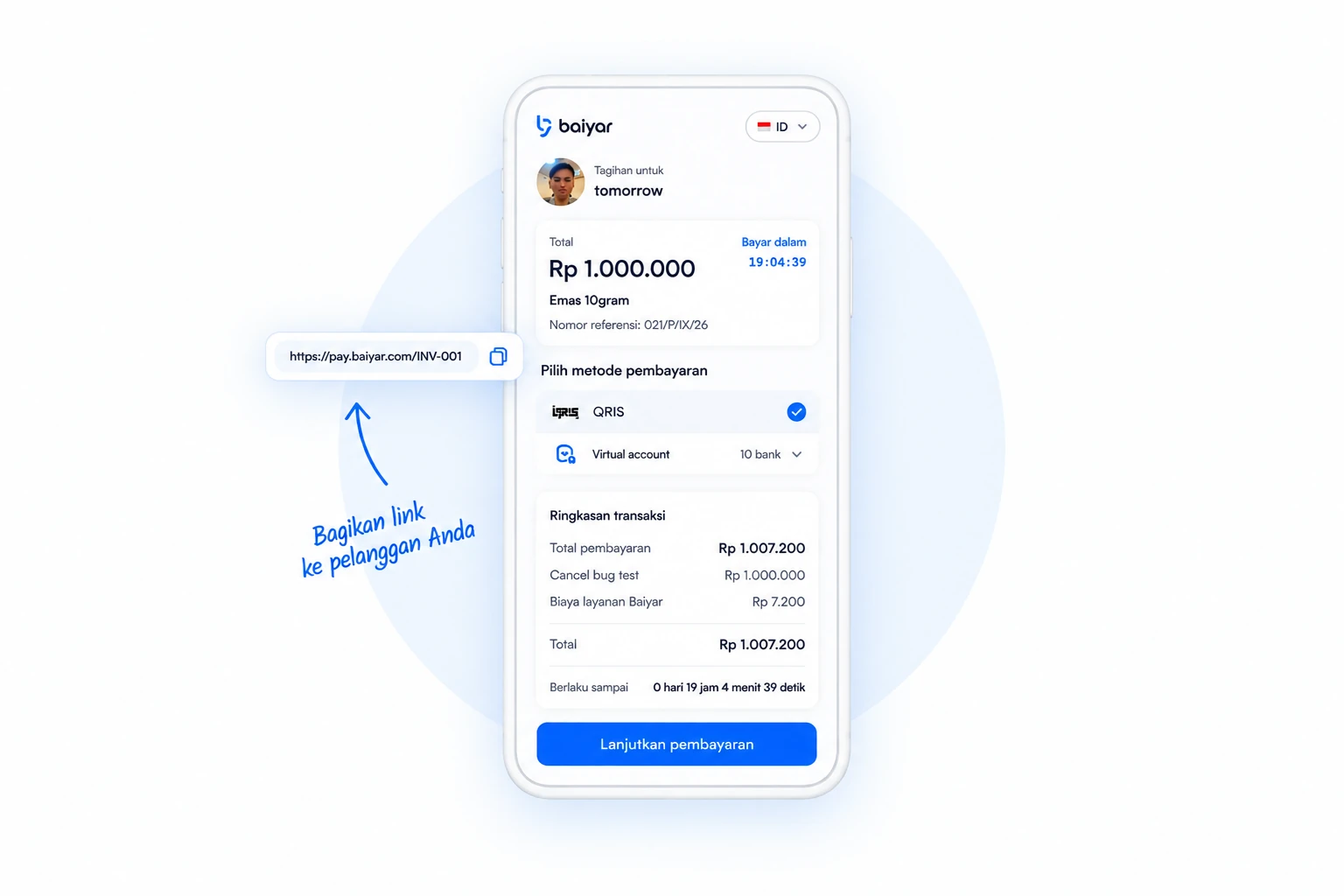
Payment Link
Accept payments by sharing one link. No website or technical integration required.
- Create a link in seconds
- Share it over WhatsApp, email, or social media
- Accept payments through every supported method
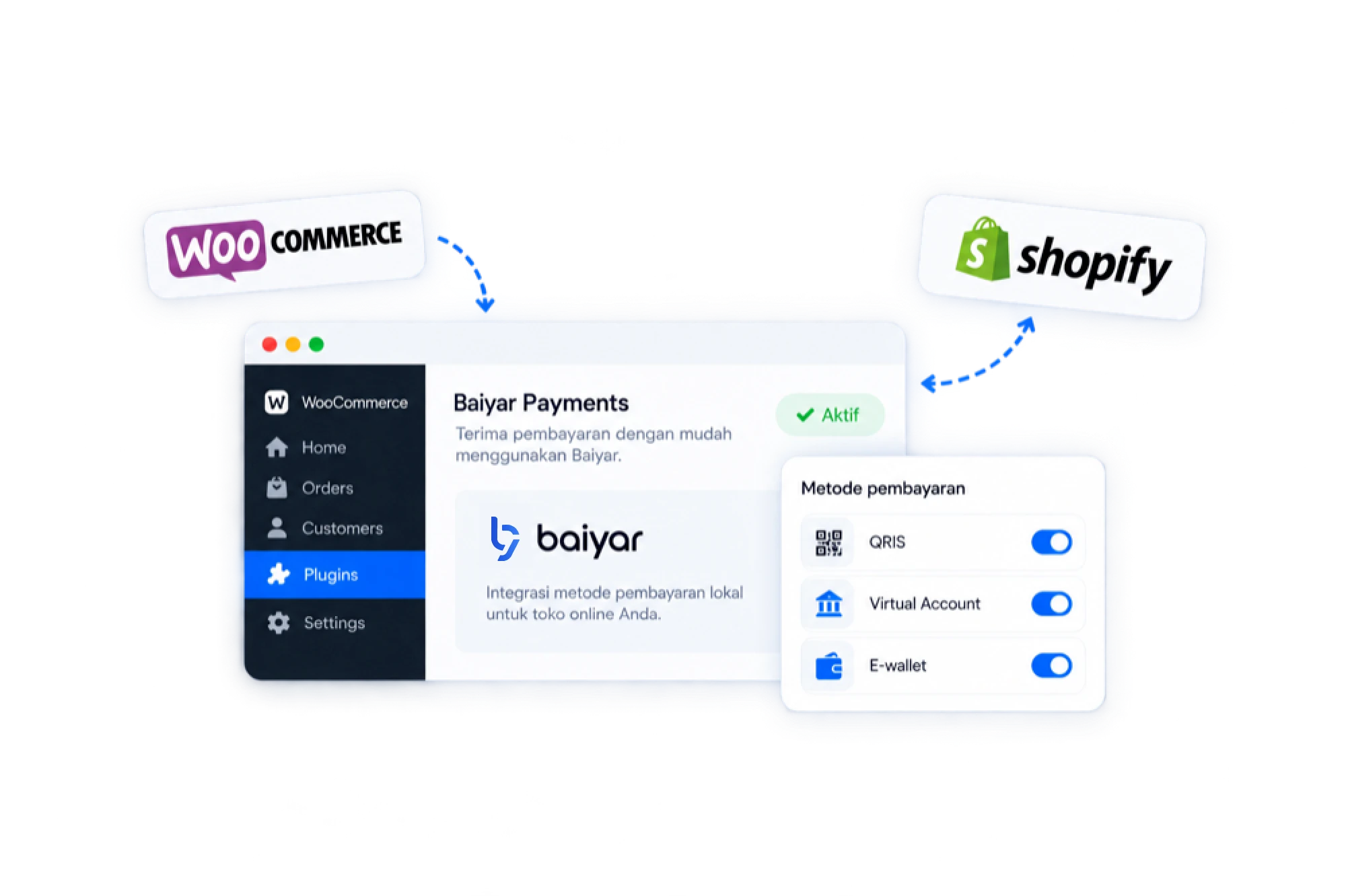
Plugin & Integrations
Connect Baiyar to your favorite online store platform, no coding required.
- Install the WooCommerce plugin in minutes
- Integrates with Shopify and other platforms
- Every payment method turned on automatically
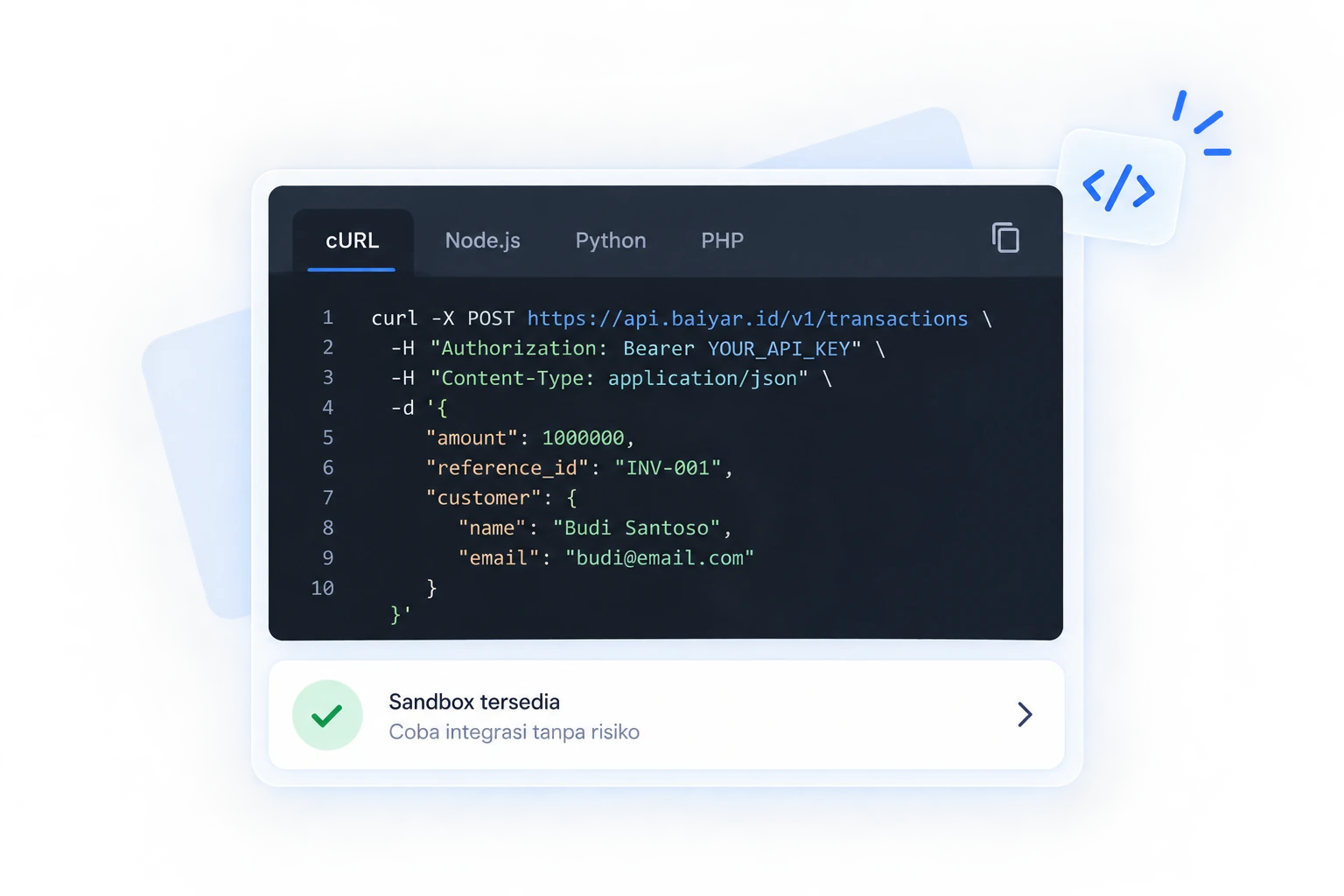
Open API
Integrate Baiyar payments straight into your own systems or apps.
- Documentation that's easy to follow
- Sandbox for testing
- Support from our technical team
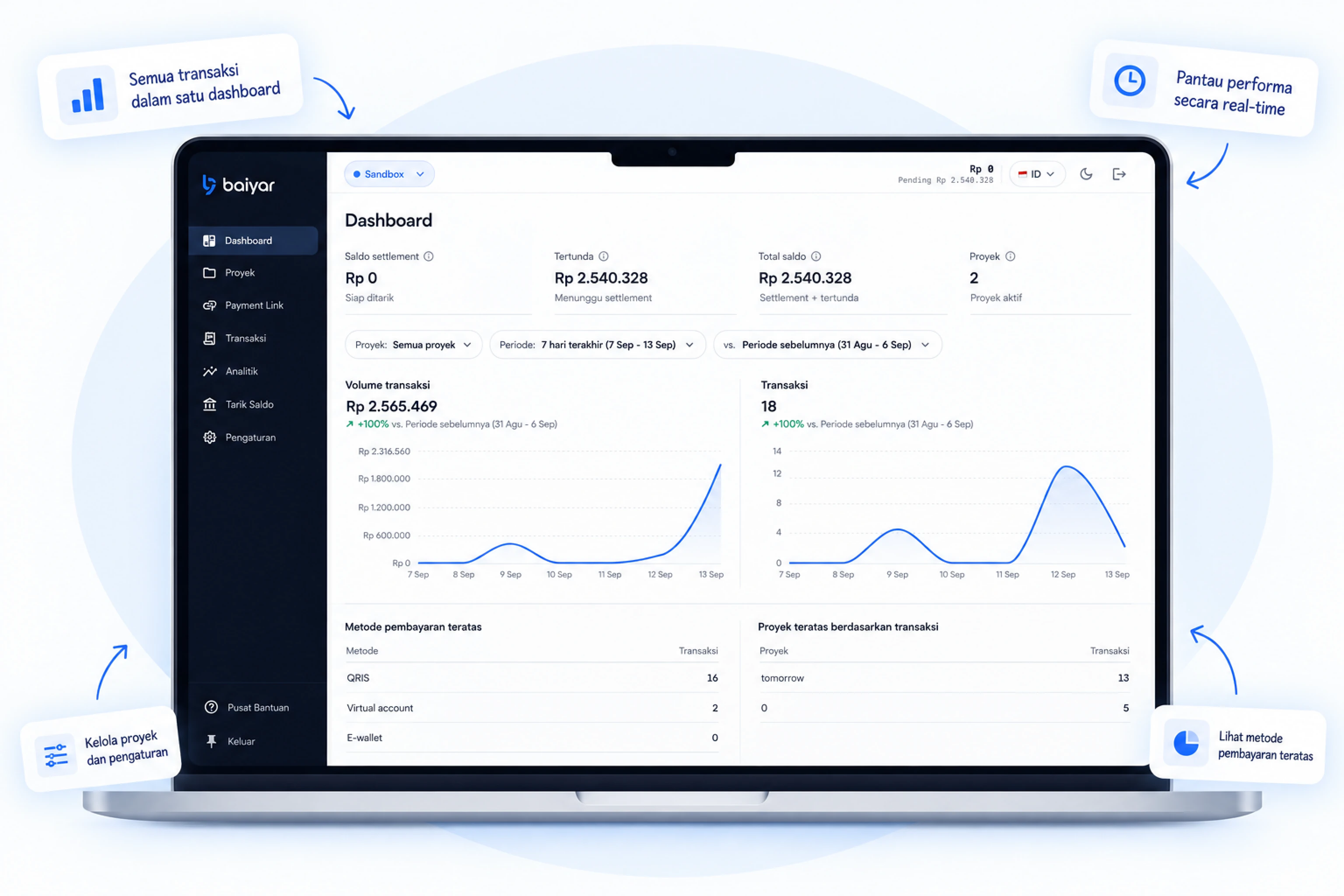
Dashboard
Track transactions, balance, and payouts in real time, from one place.
- Automatic transaction reports
- Track payout status
- Manage every payment channel
How it works
From link to settlement in three steps
Accept payments quickly and easily.
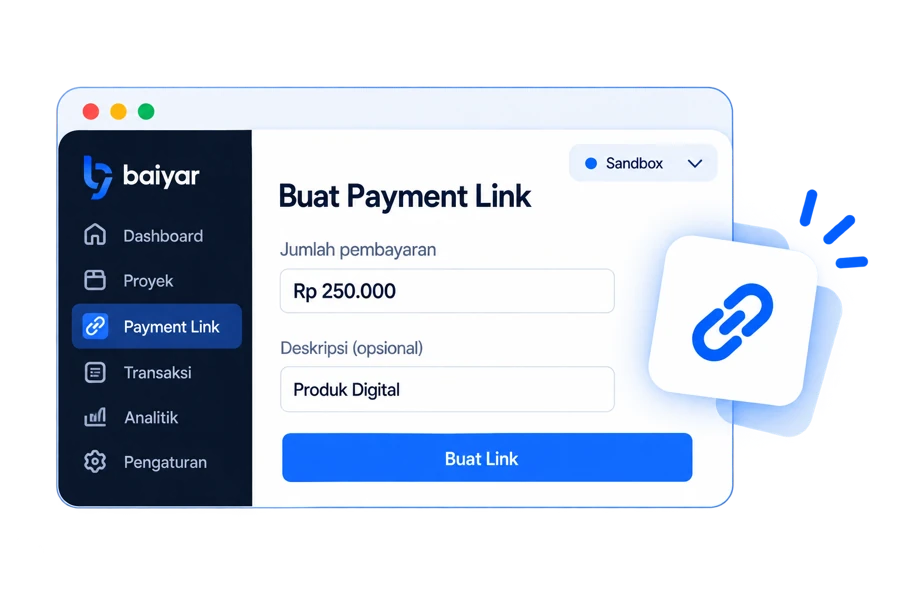
Create a payment link or checkout
From the dashboard or the API. Set an amount, add order details, done.
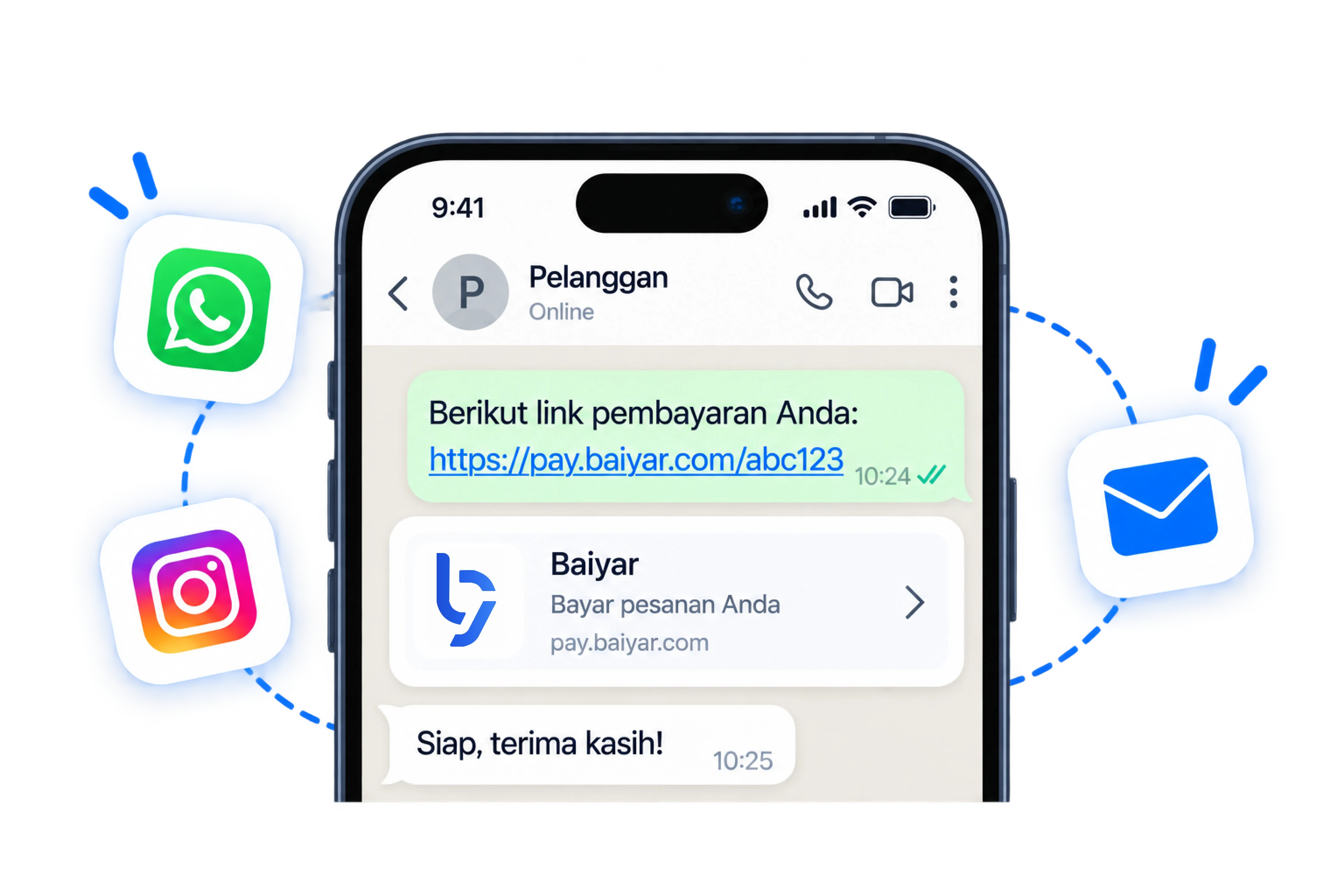
Share it with your customer
By chat, marketplace, or your own site. They pick QRIS, bank transfer, e-wallet, or pay cash at a retail outlet.
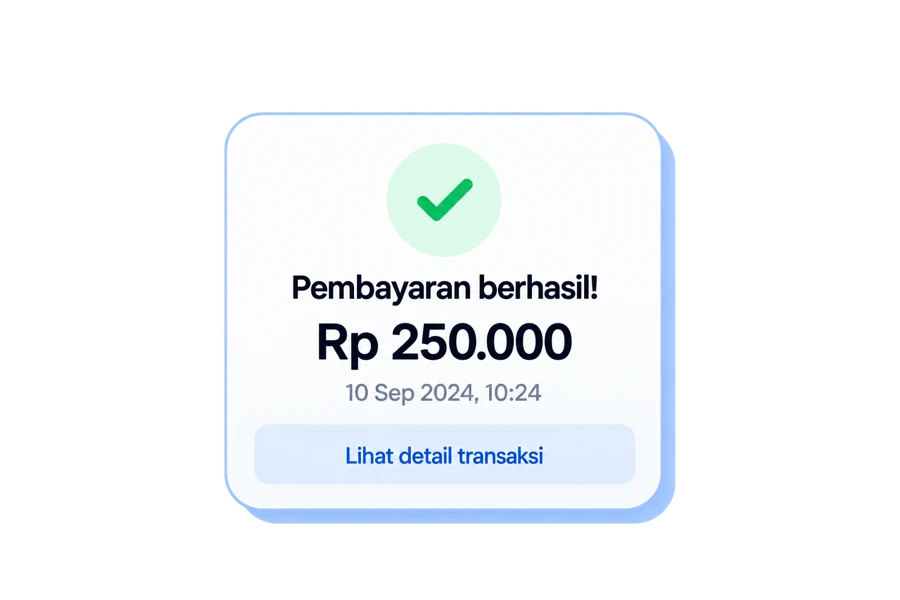
Get paid and reconciled
Funds settle to your account and every transaction shows up in your dashboard automatically.
Contact Us
Let's talk about your business's payment needs — our team is ready to help you find the right solution.